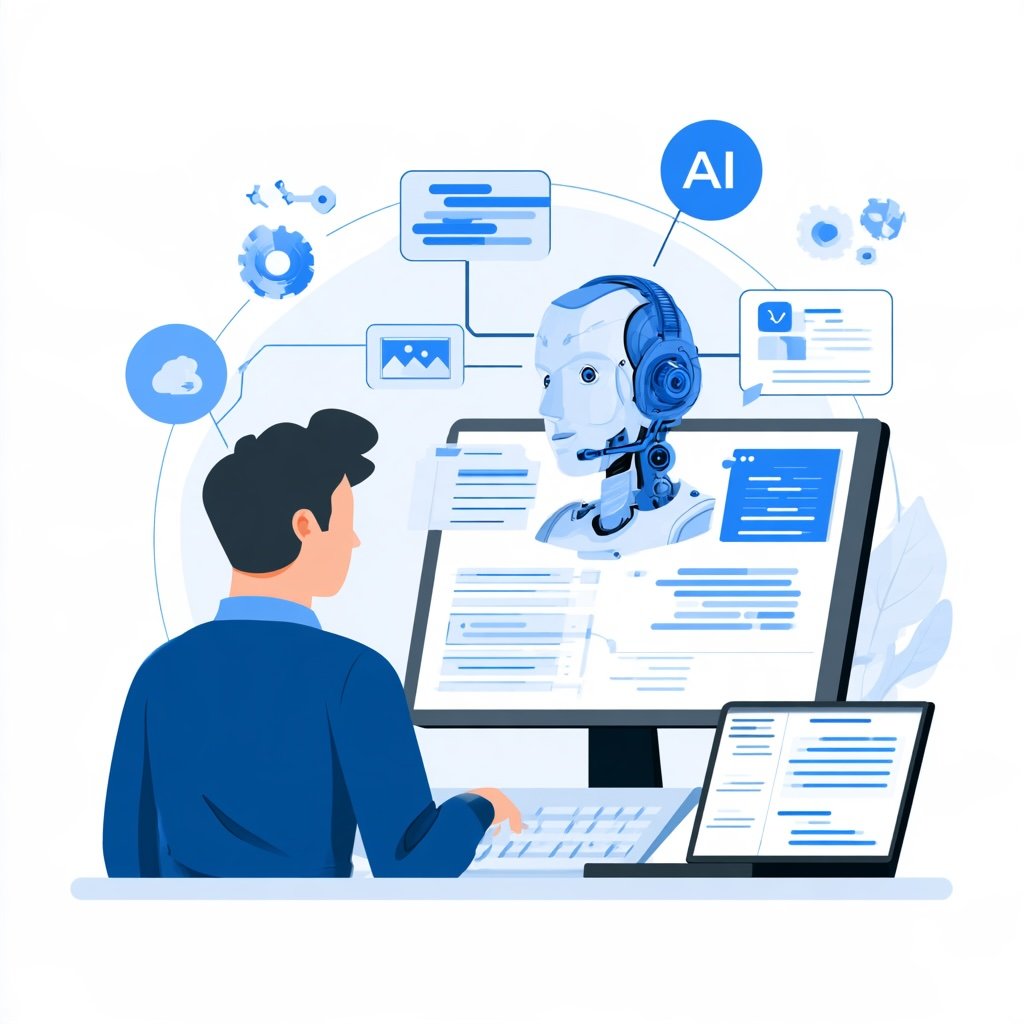

Support teams have never been busier. Tickets arrive by email, chat, phone, and social media all day long. Meanwhile, customers expect fast, friendly answers every time. That is why AI helpdesk integration has become such a hot topic. In short, it means connecting AI tools directly to the helpdesk your agents already use. When done well, it speeds up replies, cuts busywork, and makes customers happier. So let’s look at how support teams can make it work without the headaches.
What AI Helpdesk Integration Means for Your Team
First, it helps to define the idea clearly. A standalone chatbot sits on its own island. It answers basic questions, but it knows little about your customers. By contrast, an integrated AI tool lives inside your helpdesk. It can read ticket history, suggest replies, tag issues, and route requests to the right person.
As a result, agents stop jumping between tabs. Instead, they see helpful suggestions right where they work. For example, an agent opening a billing ticket might see a summary of the customer’s past issues and a draft reply. The agent still decides what to send. However, the boring parts of the job shrink. Over time, that small change adds up to hours saved each week.
Why Support Leaders Feel the Pressure
Not surprisingly, leaders are being pushed to move fast. Gartner (2026a) found that 91% of customer service leaders feel executive pressure to implement AI in 2026. Their top priorities include higher customer satisfaction, better efficiency, and stronger self-service.
Budgets tell the same story. Gartner (2026b) reports that AI spending by service leaders jumped 38%, even though overall support budgets grew by just 2%. In other words, money is shifting toward AI while everything else stays flat. Therefore, support teams need to make every dollar count. A rushed rollout wastes that budget quickly. A thoughtful integration plan turns spending into lasting results.
Start With Clean Knowledge
Before connecting any AI tool, review your knowledge base closely. AI can only be as good as the content it reads. If your help articles are outdated, the AI will repeat old answers with total confidence. Customers will notice, and trust will drop.
So start by cleaning house. Remove old articles. Merge duplicates. Then fill gaps for the questions customers ask most often. Interestingly, Gartner (2026a) found that 58% of service leaders plan to upskill agents into knowledge management specialists. That shift makes sense. After all, the people who answer questions every day know exactly which articles need work. Once your content is solid, the AI suggestions improve right away.
Connect the Tools Your Agents Already Use
Next, map out the systems your agents touch during a typical ticket. This usually includes the helpdesk itself, the customer database, billing tools, and internal chat. The more of these an AI tool can see, the more useful its suggestions become.
That said, start small. Connect one or two systems first and test the results with a pilot group. Ask agents what feels helpful and what feels clumsy. Then adjust before expanding to the whole team. Also, involve your security team early. Customer data is sensitive, so access controls and audit logs matter from day one. Taking these steps slowly may feel frustrating. Still, it prevents costly mistakes later.
Make AI Helpdesk Integration Feel Seamless for Customers
Customers care about results, not technology. Yet their habits are changing quickly. Gartner (2026c) found that customers are about three times more likely to use third-party GenAI tools than company chatbots to solve service problems. In other words, your helpdesk AI must be good enough to compete with the tools customers already carry in their pockets.
Transparency matters too. According to Zendesk (2025), customers increasingly want to understand why AI makes certain decisions. Therefore, let customers know when they are talking to AI. Make it easy to reach a person. Finally, keep context during a handoff so nobody has to repeat their story. These small touches turn AI helpdesk integration from a cost-cutting move into a better experience.
Wrapping Up
To recap, successful helpdesk AI is less about flashy features and more about solid basics. Start by defining what you want the AI to do. Then clean your knowledge base, connect the right systems, and test with a small group. After that, focus on transparency and smooth customer handoffs. With this approach, your support team can work faster and smarter. Even better, your customers will feel the difference with every ticket.
References
Gartner. (2026a, February 18). Gartner survey finds 91% of customer service leaders under pressure to implement AI in 2026 [Press release]. https://www.gartner.com/en/newsroom/press-releases/2026-02-18-gartner-survey-finds-ninety-one-percent-of-customer-service-leaders-under-pressure-to-implement-ai-in-2026
Gartner. (2026b, August 26). Gartner survey finds AI spending by customer service leaders has surged by 38%, despite overall service and support function budgets rising by just 2% [Press release]. https://www.gartner.com/en/newsroom/press-releases/2026-08-26-gartner-survey-finds-ai-spending-by-customer-service-leaders-has-surged-by-38-percent-despite-overall-service-and-support-function-budgets-rising-by-just-2-percent
Gartner. (2026c, July 8). Gartner survey finds customers are 3x more likely to use third-party GenAI than company-provided chatbots for customer service [Press release]. https://www.gartner.com/en/newsroom/press-releases/2026-07-08-gartner-survey-finds-customers-are-three-times-more-likely-to-use-third-party-genai-than-company-provided-chatbots-for-customer-service
Zendesk. (2025). Contextual intelligence becomes the new standard for exceptional customer experience in 2026 [Press release]. https://www.zendesk.com/newsroom/press-releases/contextual-intelligence-becomes-the-new-standard-for-exceptional-customer-experience-in-2026/