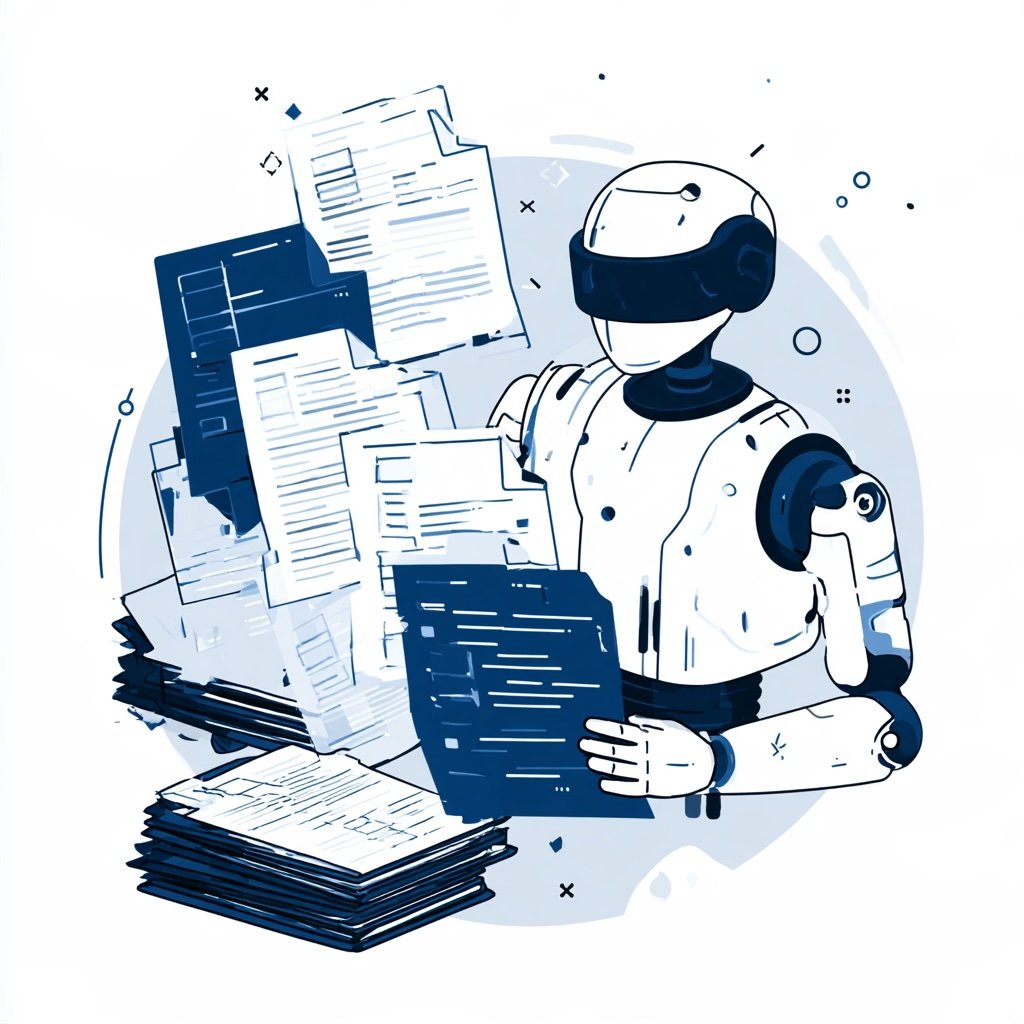

Paperwork never seems to end. Invoices, contracts, forms, and claims pile up every day. Fortunately, intelligent document processing can take much of that load off your team. It uses AI to read documents, pull out key data, and send it where it needs to go. In this post, we’ll break down how it works and how to get started.
What Intelligent Document Processing Means
At its core, the idea is simple. Software reads documents the way a person would. Then it turns messy content into clean, structured data. Older tools could only scan text. Newer systems go much further. They understand context, layout, and meaning.
For example, a system can spot the total on an invoice even when the layout changes. It can also tell a signature page from a terms page. As a result, workers stop retyping data by hand. Instead, they review exceptions and handle tricky cases. That shift saves time. Moreover, it reduces costly errors that slip in during manual entry.
It also helps to know what it is not. Simple scanning creates a picture of a page. Basic text capture reads the words but ignores their purpose. By contrast, these smarter systems know that a number near the word total is probably the amount due. That understanding is what makes automation possible.
How the Technology Works
So what happens under the hood? First, documents arrive by email, upload, or scan. Next, optical character recognition turns images into text. After that, AI models sort each document by type. Then they extract key fields, such as names, dates, and amounts.
Following extraction, the system checks its own work. It assigns a confidence score to each field. If a score is low, a human reviews it. Finally, the clean data flows into your business systems. That might be an ERP, a CRM, or a claims platform.
Generative AI has changed this process a lot. IDC’s latest vendor assessment notes that generative AI is reshaping the modern market (Hill, 2025). Today’s models handle unstructured content far better than older rule-based tools.
Why Demand Keeps Growing
The market is booming. One estimate puts it at USD 3.1 billion in 2025, with 32.6% growth expected each year through 2032 (P&S Intelligence, n.d.). That growth tracks with broader AI use. McKinsey found that 88% of organizations now use AI in at least one business function (McKinsey & Company, 2025).
Meanwhile, document volumes keep rising. Every new customer, supplier, and regulation adds more paper. Therefore, firms need a faster way to keep up. Speed is not the only draw, though. Better data also means better decisions. When information is captured cleanly, analytics and AI tools downstream work much better.
Customer expectations add even more pressure. People want loan approvals, insurance claims, and refunds handled in hours, not weeks. Faster document handling makes that possible. So the business case often rests on both savings and better service.
Common Challenges to Watch
Of course, it is not all smooth sailing. Integration is the biggest hurdle. Connecting document tools to older systems takes time. Furthermore, you must keep governance, security, and compliance intact along the way (P&S Intelligence, n.d.).
Data quality is another issue. Blurry scans and handwritten notes still trip up some systems. Similarly, rare document types may need extra training. So plan for a human review step, especially early on. In addition, watch out for vendor overload. IDC assessed 22 vendors in its recent report, which shows how crowded the space has become (Hill, 2025). Because of that, choosing well matters.
Finally, think about change management. Some employees may worry that automation threatens their jobs. Clear communication helps here. Explain that the goal is removing tedious tasks, not people.
Getting Started With Intelligent Document Processing
Ready to try it? Start with one high-volume document type. Invoices are a popular first choice because the payoff is easy to measure. Next, gather a sample set of real documents. Then use them to test two or three vendors side by side.
After that, track accuracy, processing time, and exception rates. Compare those numbers to your current manual process. If the results look good, expand slowly to new document types. Before you sign a contract, ask each vendor how their tool handles exceptions and how often it updates its models.
Also, involve the people who handle documents today. They know the edge cases. Plus, they will feel ownership instead of fear. Done right, intelligent document processing frees your team from tedious work. Then they can focus on the decisions that need a human touch.
References
Hill, M. (2025, December 16). IDC rates 22 intelligent document processing (IDP) vendors. PEX Network. https://www.processexcellencenetwork.com/tools-technologies/news/idc-rates-22-intelligent-document-processing-idp-vendors
McKinsey & Company. (2025). The state of AI in 2025: Agents, innovation, and transformation. https://www.mckinsey.com/capabilities/tech-and-ai/our-insights/the-state-of-ai-2025
P&S Intelligence. (n.d.). Intelligent document processing market report. https://www.psmarketresearch.com/market-analysis/intelligent-document-processing-market-report